Replacement supplies
Include the system model, current supply identifier and the item you need. A clear photograph of the existing label helps identify the replacement.
Supplies informationOwnership & support
Find guidance for everyday use, replacement supplies and installation questions. For help with a specific product, have the model, order details and a description of the issue ready.
Atelier ownership
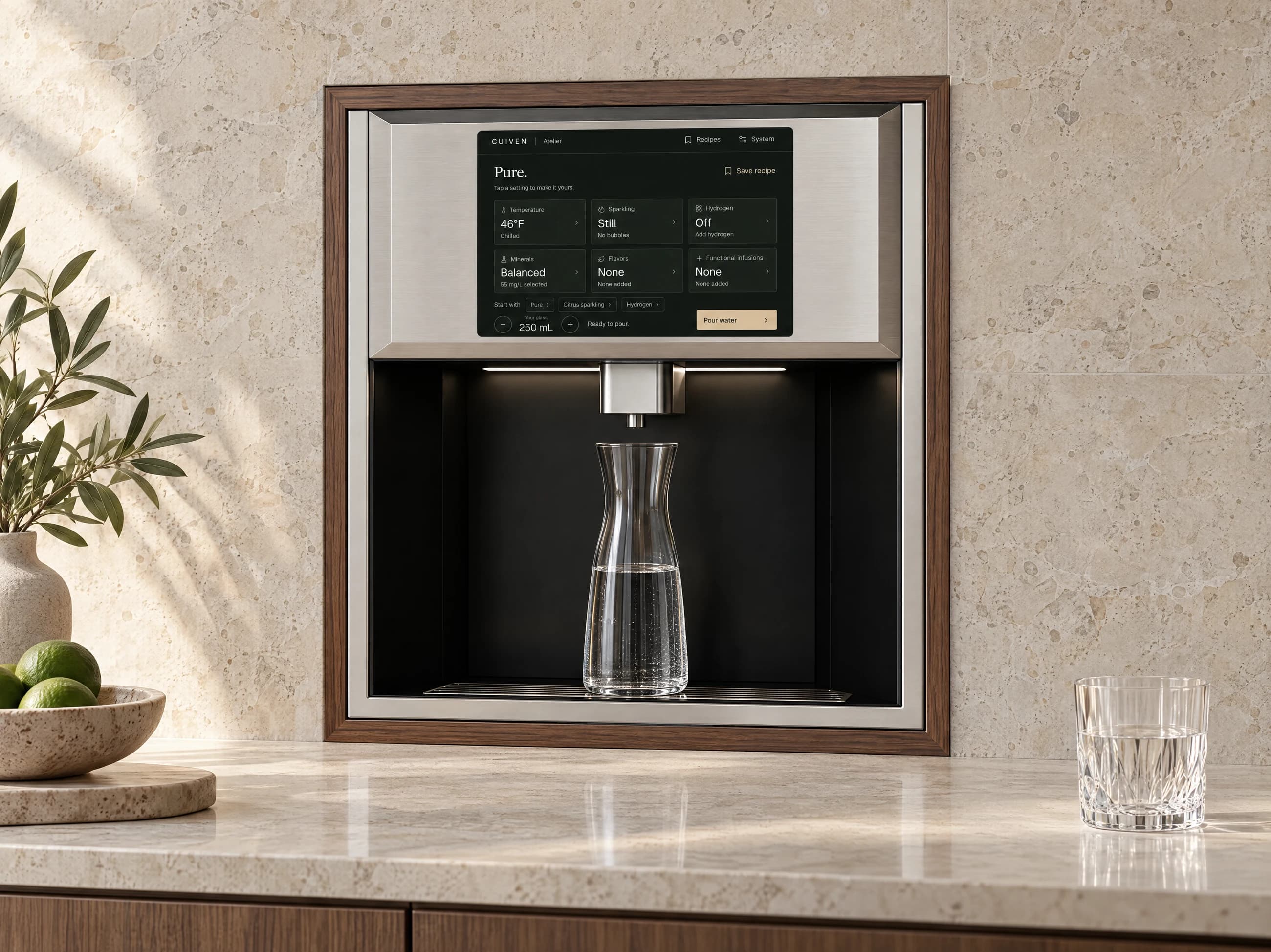
The screen keeps temperature, serving size, sparkle, hydrogen, minerals and infusions together. Start by checking which recipe is selected and whether the issue affects every pour or just one setting.
| What you notice | What to review | What to send |
|---|---|---|
| A pour will not start | Glass placement, Child lock, the selected recipe and any screen message. | The message exactly as shown, plus a photograph of the screen. |
| One ingredient is unavailable | The selected ingredient, strength and supply status shown on the screen. | The ingredient name and cartridge identifier. |
| The serving differs from what you expected | The selected volume, displayed units and whether a pour was stopped. | The recipe settings and the vessel used. |
| A recipe changed | Temperature, sparkle, hydrogen and infusion selections, including any adjustment notice. | The steps taken before the change and the saved recipe name. |
| Taste or pour has changed | Whether the change affects plain water, one recipe or every function. | The affected settings, recent supply changes and the system model. |
Monolith ownership
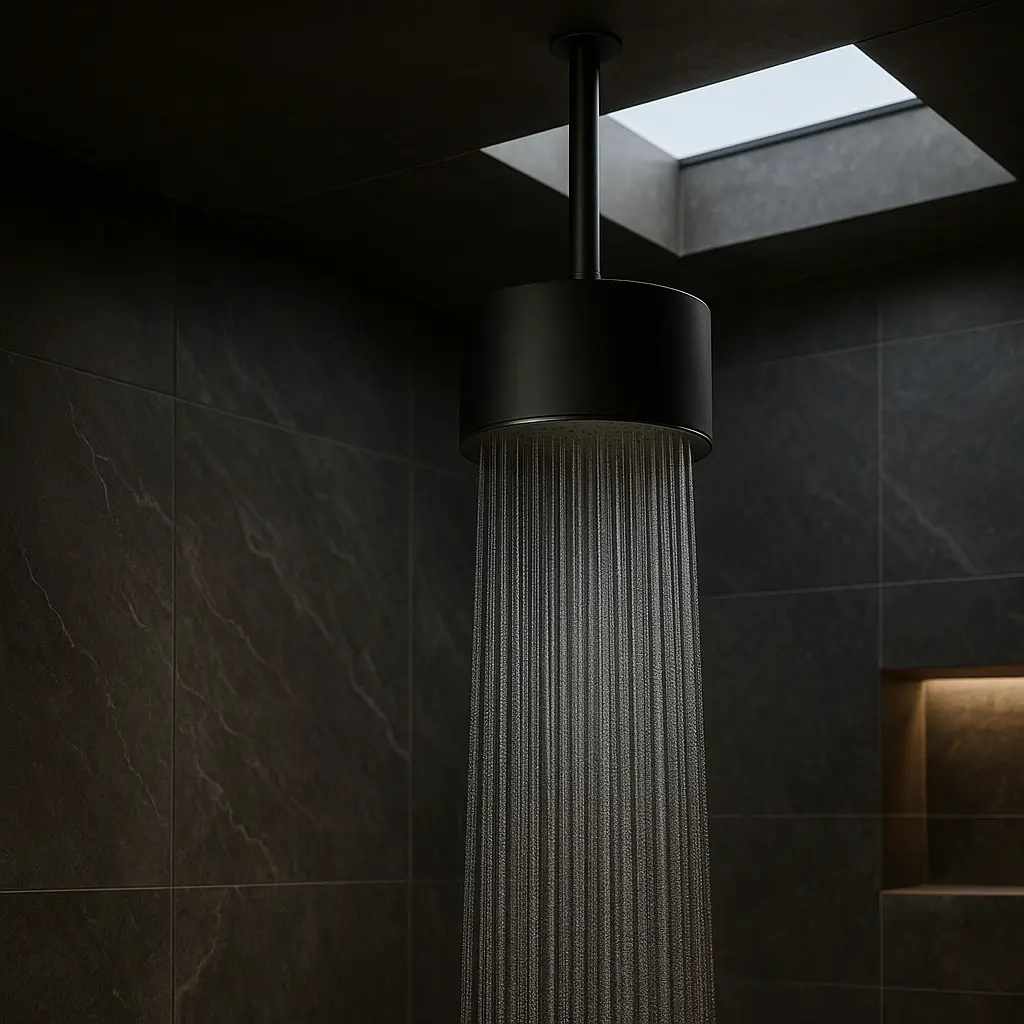
Include the wall-arm or ceiling installation when requesting help. A photograph of the complete assembly is often more useful than a close-up of the rainfall face alone.
Supplies & routine care
Keep the product identification and supply references with your installation record. Cartridge appearance, housing finish and recipe name are not substitutes for the replacement identifier.
Include the system model, current supply identifier and the item you need. A clear photograph of the existing label helps identify the replacement.
Supplies informationHave the order details, product identification, installation date and description of the issue ready. Keep the documents supplied with your purchase.
Warranty informationReference the project or order, installation address and designer or installer involved. Include any change to site access or the project schedule.
Delivery & installationContact CUIVEN with the order reference and the item or change you want to discuss. Review the terms associated with the order.
Returns & order questionsRequest help
Describe what happened and the result you expected. If photographs are useful, email them with the same model and order reference used in your enquiry.
Choose Built-In for greater clearance beneath the outlet and more room for larger bottles, carafes and pitchers, with the dispenser integrated into cabinetry or a wall opening. Both Built-In editions keep the work surface clear. Choose Countertop for a compact dispensing bay on the counter. Both are plumbed installations with service equipment in a nearby accessible cabinet.
Built-In fits into a suitable cabinet opening. Plan space for support, utility connections, ventilation and service access. Share your cabinetry layout with CUIVEN to discuss the fit.
Atelier connects to a permanent water supply and drainage, with service equipment in nearby cabinetry. There is no refillable water container to carry to the sink.
Choose temperature and serving size, set your sparkle and hydrogen levels, adjust a mineral profile, and combine flavor or functional infusions. Save your complete recipe for the next glass.
Choose Atelier Countertop, Atelier Countertop Signature, Atelier Built-In or Atelier Built-In Signature. The configurator includes your selected format and edition in your project enquiry.
Yes. Include your city and state or province when you contact CUIVEN, along with the collection and installation you have in mind.
Allow for the product’s position, water supply, drainage, power, ventilation and accessible service equipment. Your designer and installer can join the conversation from the start.
Contact CUIVEN with your model, order details, a description of the issue and relevant photographs. Keep the care instructions supplied with your unit to hand.