Using this website
Website accessibility.
Readable pages, clear controls and a direct way to ask for help.
Finding your way around.
Use the keyboard to move through links and controls, with a visible focus indicator showing your position. Page headings organize the content, and layouts adapt to the size of your screen.
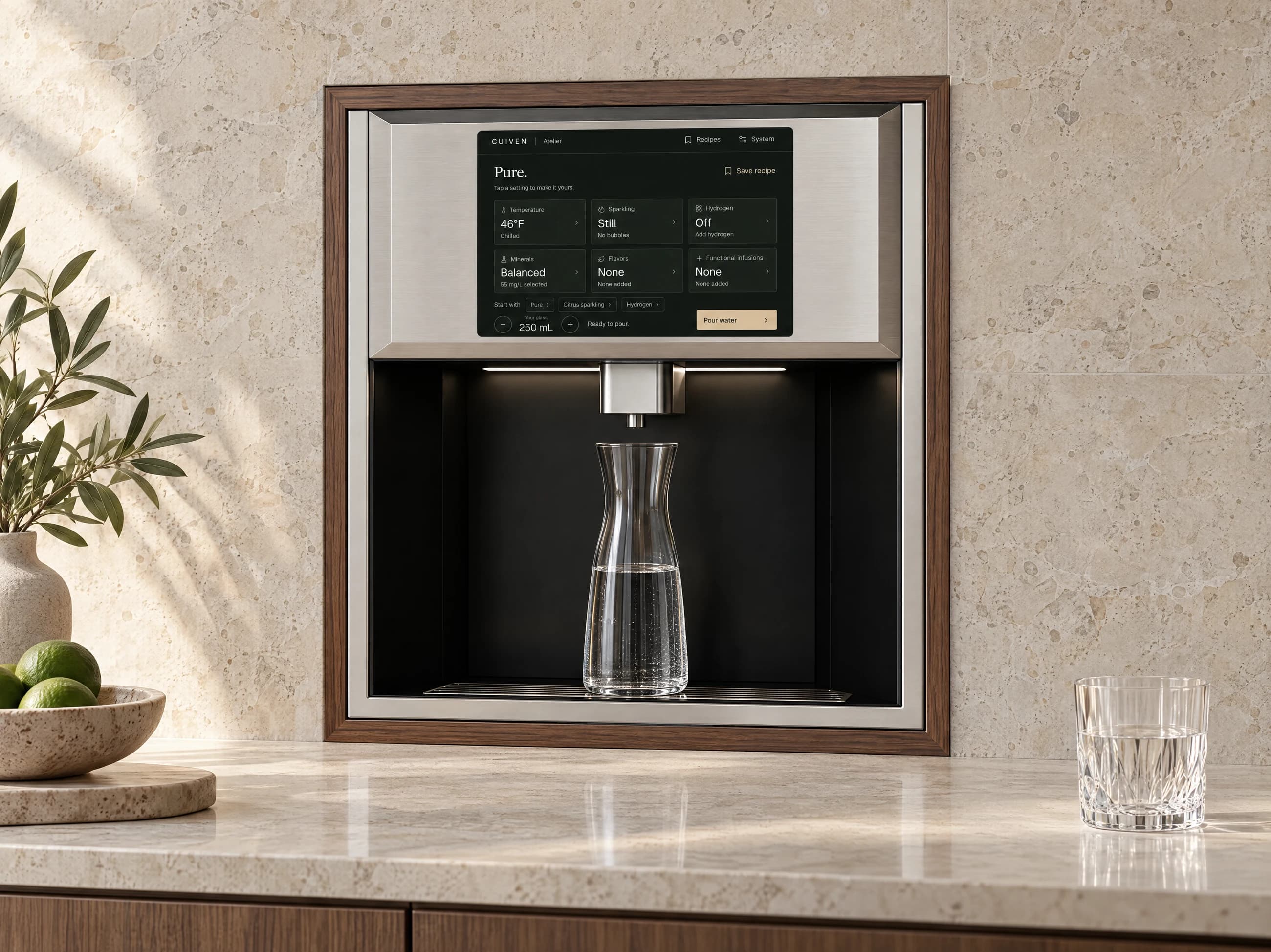
Core page content appears without waiting for a scroll animation. On a smaller screen, the Atelier experience includes an expanded view for reading and using its controls.
Tell us where something gets in the way.
If a page or control is difficult to use, contact CUIVEN with the page address, what you were trying to do and, if you are comfortable sharing it, your browser or assistive technology.
You can also use the email option on the contact page if the on-page inquiry experience does not suit your needs.
Plan around the people using it.
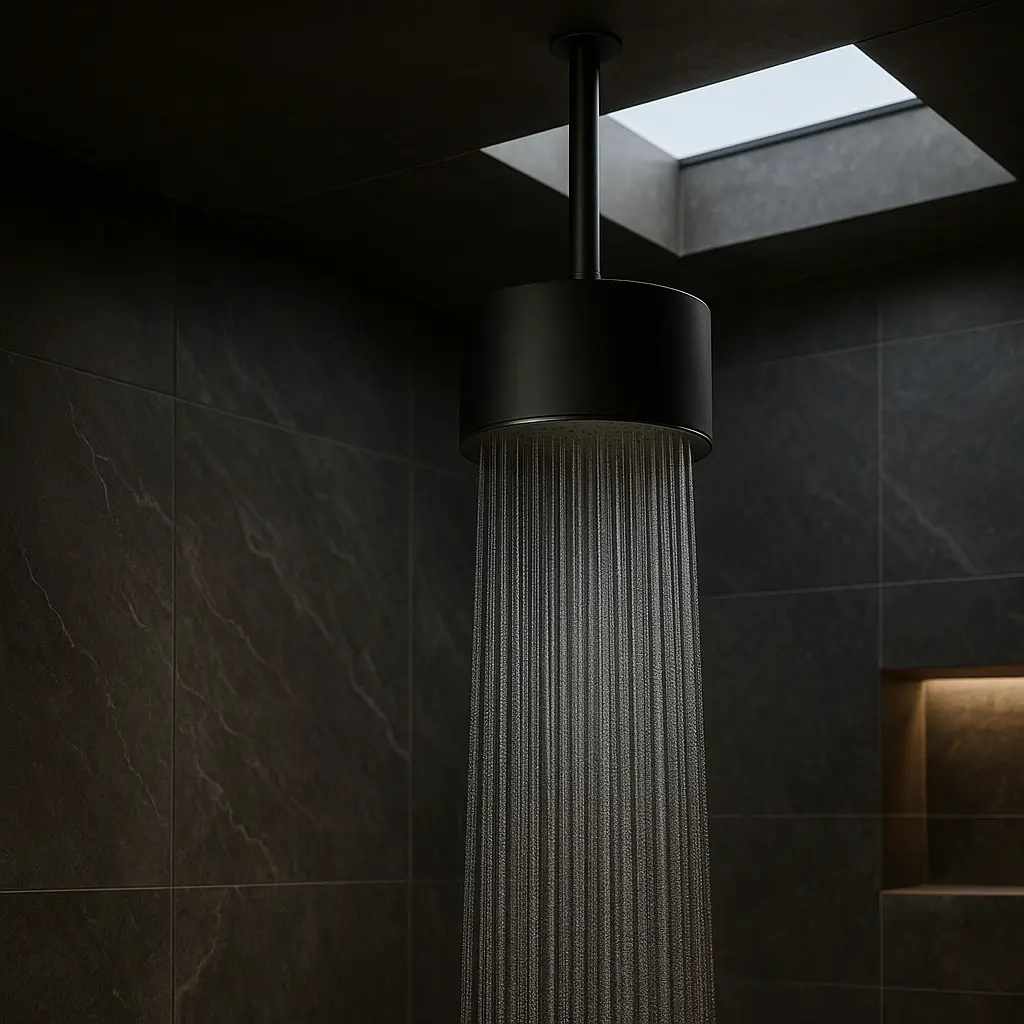
Tell us about reach, reading or interaction needs when discussing a project. Include the position of the dispenser or shower, the surrounding space and any particular requirements you want the team to consider.